Field Encryption
Sensitive business data—such as customer phone numbers, email addresses, and card numbers—can be encrypted based on custom rules.
After encryption, data is stored in the database as ciphertext and decrypted for display according to the defined rules when viewed.
Configure Encryption Rules
An organization super administrator must first configure encryption rules in the Organization Admin Console.
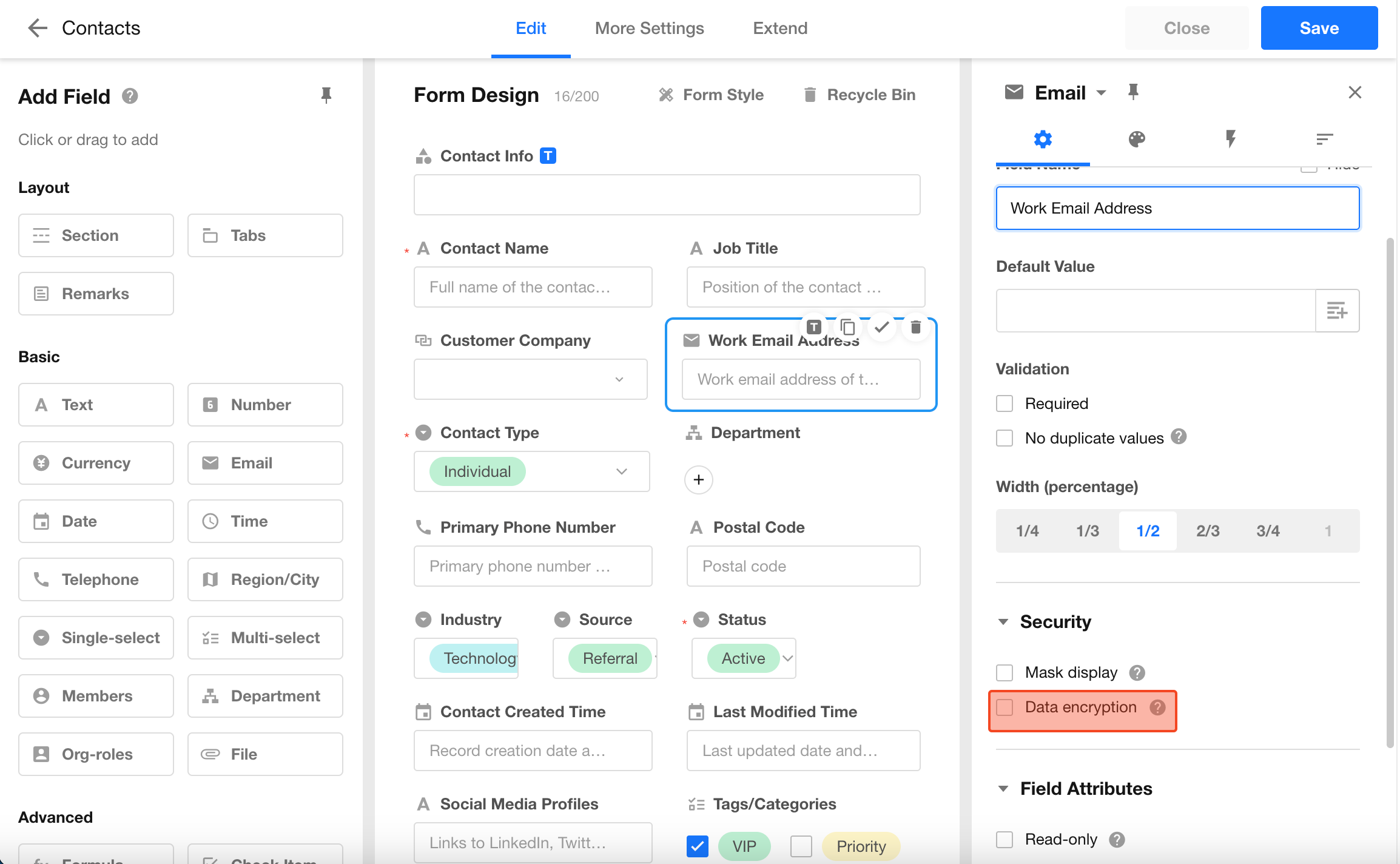
After that, select an encryption method in the field properties.
Apply Encryption to Fields
Supported field types:
- Text (single line)
- Phone / Landline
- ID number
Enable Data Encryption and select an encryption rule.
Encrypted data is stored as text in the backend.
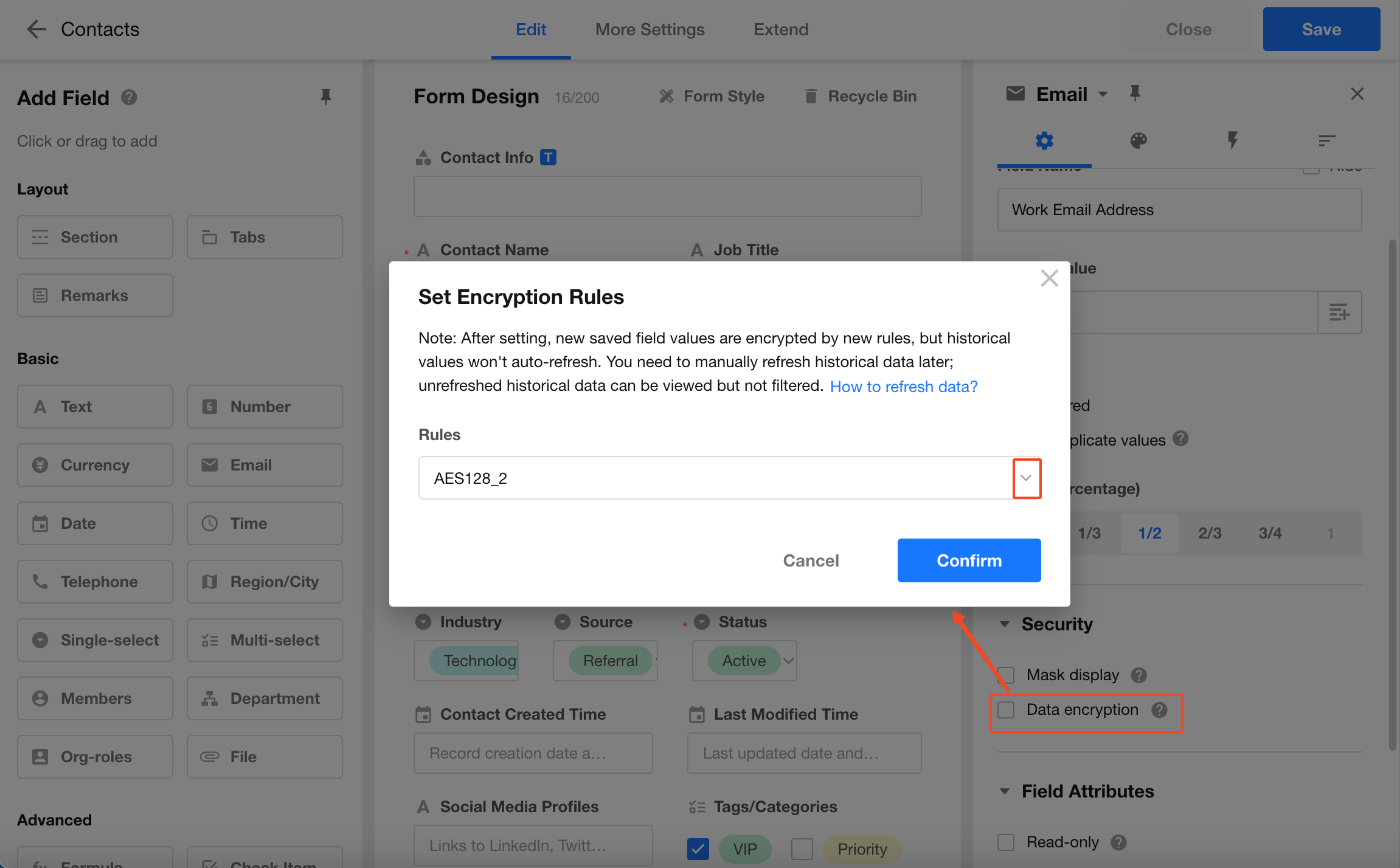
Note:
After enabling encryption, newly saved values will follow the new rule. Existing records will not be automatically updated.You need to manually refresh historical data. Before refreshing, historical data can still be viewed but cannot be used for filtering.
Refresh historical data
Impact of Field Encryption
Encryption mainly affects searching, filtering, and sorting.
-
Worksheet / Super Search
Encrypted fields cannot be searched.
-
Search in relationship field settings
Fuzzy search is not supported.
-
Quick filters in views
For text fields, the Fuzzy Search option is hidden. Only Exact Match is supported.
-
Filters
Supported operators are limited to:
- Equals
- Not equals
- Is empty
- Is not empty
Where Plain Text is Available
- Data export displays decrypted values
- API and data synchronization return decrypted values
Was this document helpful?